
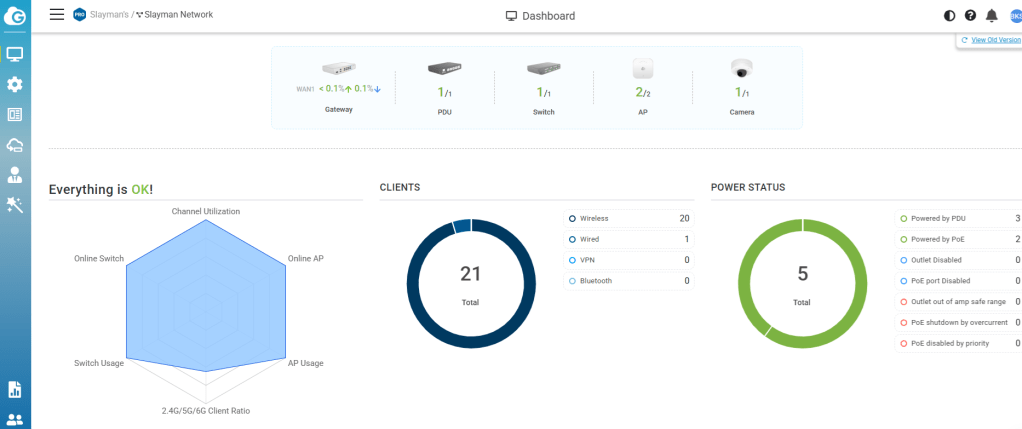
Gateway: EnGenius ESG510
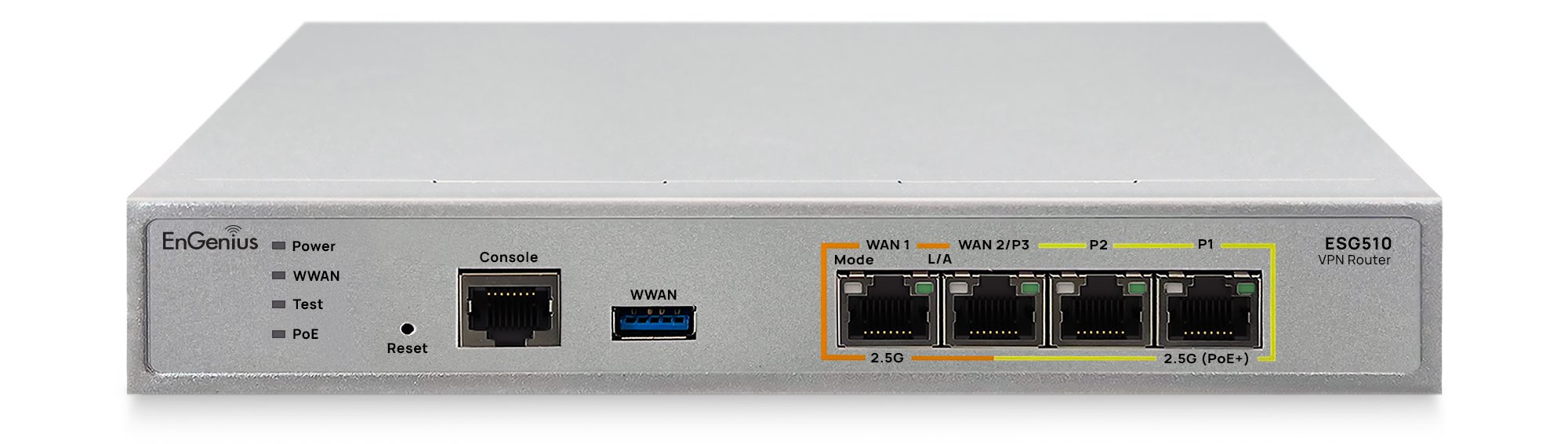
My home network is currently powered by the EnGenius ESG510, and it’s been running flawlessly for over two years. It’s a compact, reliable gateway that has required virtually no maintenance since installation.
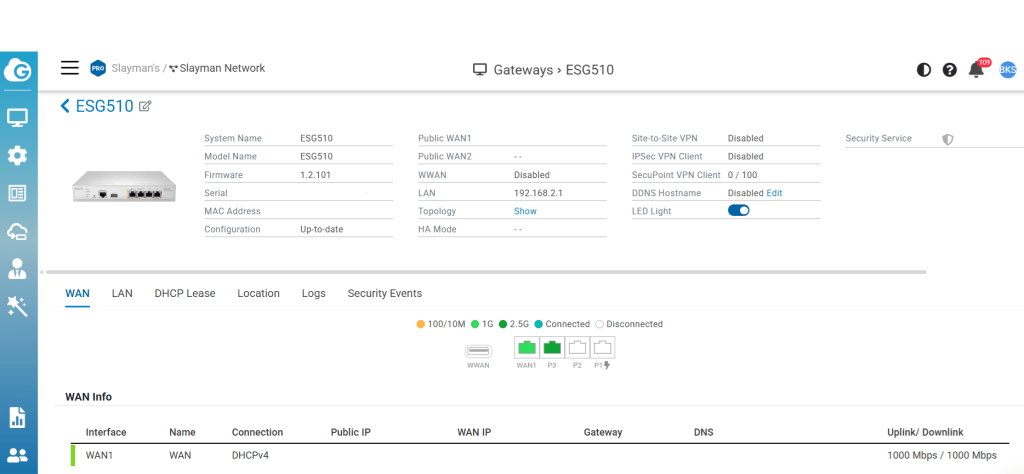
My setup is fairly straightforward. I have a Frontier Fiber internet connection that feeds into a Frontier fiber terminal (ONT/MoCA adapter), which converts the fiber signal to standard Ethernet. From there, the Ethernet connection plugs directly into the WAN1 (Port 1) on the ESG510.
One feature I appreciate is that the ESG510 includes dual WAN ports, allowing for ISP redundancy or load balancing if you choose to add a secondary internet connection in the future. While I’m only using a single Frontier connection today, it’s nice knowing the option is there.
During installation, Frontier simply needed the MAC address of the ESG510 to provision the service, and once that was registered, the connection came online without any issues.
After more than two years of continuous operation, the ESG510 has proven to be a rock-solid gateway that’s fast, stable, and exactly what I want at the core of my home network.
Gateway: EnGenius ESG510 ISP: Frontier Fiber WAN Configuration: DHCP (MAC address registered with Frontier) WAN Speed: (e.g., 1 Gbps or 2 Gbps) Uptime: 2+ years Current Firmware: 1.2.101
Switch: EnGenius ECS5512FP
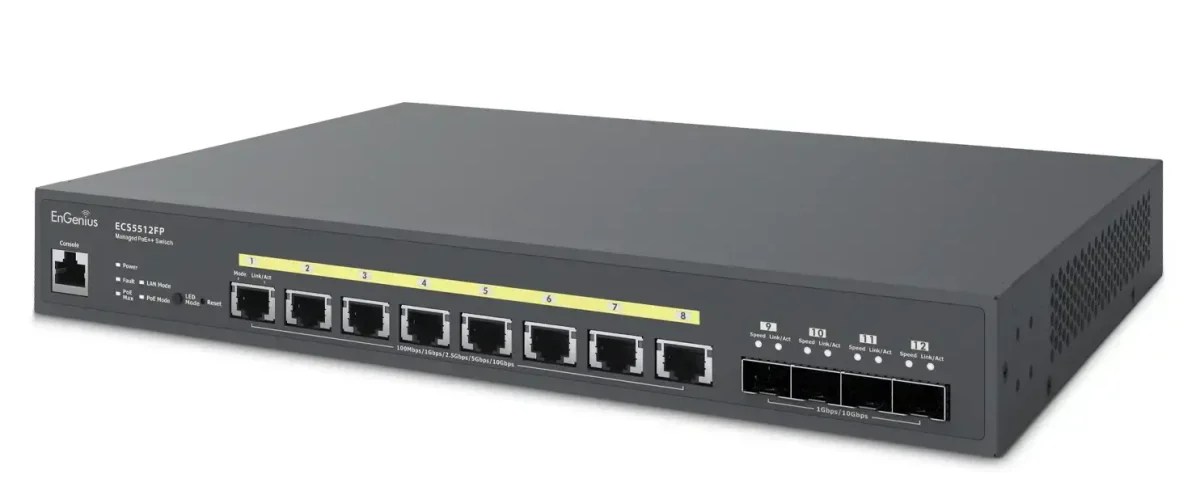
Connected directly to the ESG510 is the EnGenius ECS5512FP, a 10 Gigabit PoE++ managed switch that has been the backbone of my home network for more than four years. Like the gateway, it has been extremely reliable and has required virtually no maintenance.
One of the reasons I chose this switch is its 90W PoE++ capability, allowing it to power virtually any modern network device, including high-performance Wi-Fi 7 access points. The switch provides a 420W total PoE budget, which is more than enough for my current deployment while leaving plenty of room for future expansion.
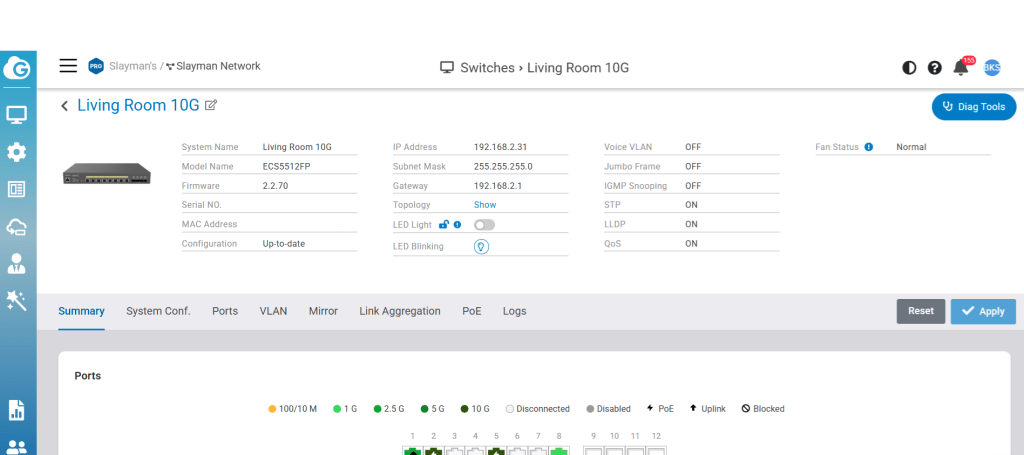
Today, I’m using it to power two EnGenius ECW536 Wi-Fi 7 access points, both of which require PoE++ to deliver their full performance. Underpowering an access point—regardless of the manufacturer—can lead to reduced functionality, disabled features, or lower overall performance. Supplying the proper power ensures you’re getting everything the hardware was designed to deliver.
Beyond PoE, I wanted the additional bandwidth and switching capacity that a 10 Gigabit switch provides. Even though most home networks will never come close to saturating it, I prefer having infrastructure that won’t become a bottleneck as faster internet speeds and higher-performance devices become more common.
After more than four years of continuous operation, the ECS5512FP has proven to be every bit as dependable as the ESG510 and continues to serve as the core switching platform for my network.
EnGenius ECW536 Wi-Fi 7 Access Points
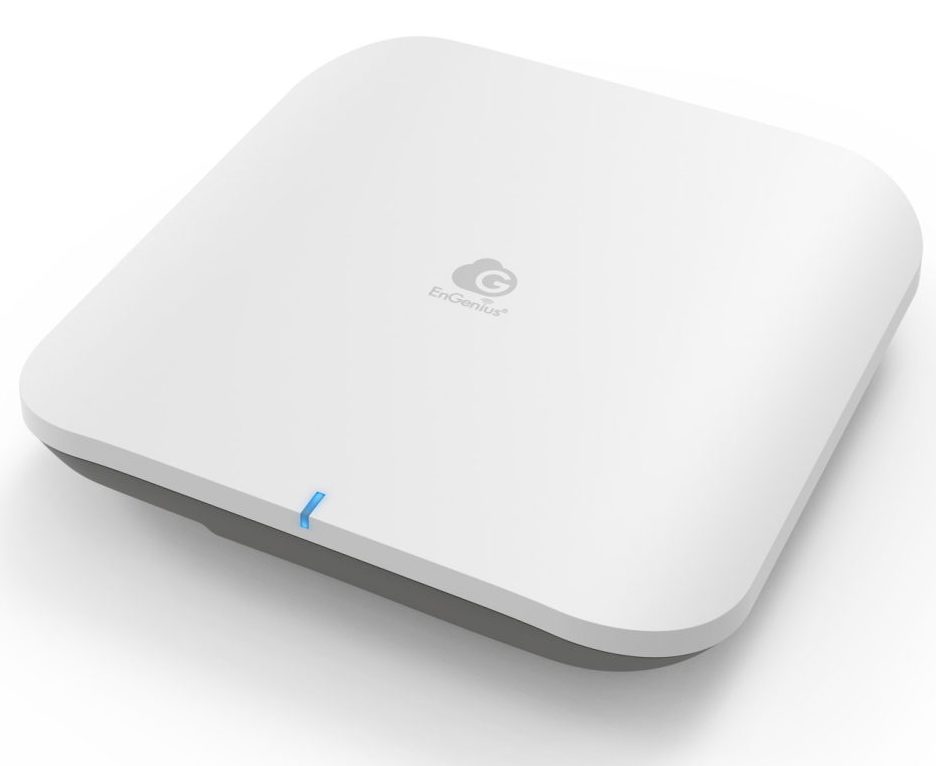
One of the perks of being the Product Marketing Manager at EnGenius Technologies is that I have access to just about every networking product we make. When it came time to build my home network, I could have chosen any access point in the lineup. After weighing the options, I landed on the ECW536, and after running two of them for the past two years, I’d make the same decision again.
The ECW536 is an enterprise-class, tri-band Wi-Fi 7 access point built with a 4×4:4 radio design. While a 4×4 access point doesn’t automatically guarantee more coverage than a 3×3 or 2×2 model—that still depends on factors like antenna gain, receive sensitivity, placement, and your home’s construction—it generally provides greater capacity and a better overall experience when multiple devices are active at the same time. For a connected household, that’s often more important than simply chasing the highest speed test.
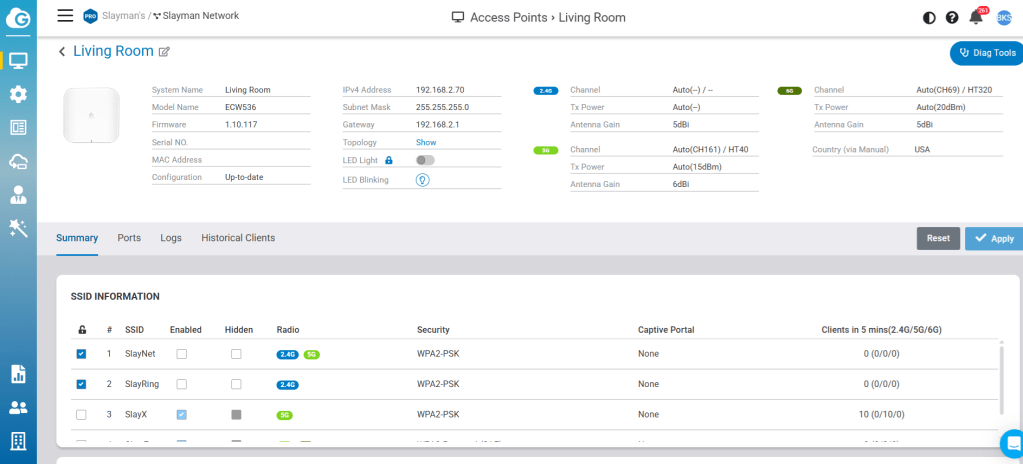
My home is a little over 2,000 square feet spread across four floors. It’s a condo, so the layout is anything but typical, with multiple levels and plenty of walls separating rooms. To ensure consistent coverage throughout the house, I installed two ECW536 access points.
One access point is dedicated to our everyday client devices: laptops, MacBooks, iPads, iPhones, an iMac, gaming devices, and everything else the family uses daily. My wife works from home and spends much of her day on Microsoft Teams meetings, while my daughter is constantly streaming, gaming, or using her tablet. The network handles all of it without breaking a sweat. In fact, the only time we’ve experienced Wi-Fi issues is when I’m intentionally changing settings or testing new firmware.
The second ECW536 is dedicated to our IoT devices, keeping smart home traffic separate from our primary network. It supports our garage door openers, video doorbell, outdoor security cameras, Amazon Fire TV devices, Echo Displays, Samsung TVs, and the growing list of connected devices that seem to multiply every year. Separating IoT traffic also makes network management and troubleshooting much easier.
Our internet connection is a 1 Gbps Frontier Fiber service, and depending on the device and where I’m standing in the house, I typically see real-world wireless speeds between 300 Mbps and 800 Mbps. That’s more than enough bandwidth for multiple 4K streams, video conferencing, cloud backups, gaming, and everything else happening simultaneously.
Looking back after two years of daily use, the ECW536 has been exactly what I wanted: fast, reliable, and completely dependable. It’s honestly more access point than my family needs, but that’s part of the reason I chose it. I wanted an enterprise-class Wi-Fi solution that I could install once, forget about, and know it would handle anything my family—or I—could throw at it.
My Setup
Access Points: 2 × EnGenius ECW536
Coverage: 2,000 sq. ft., 4 floors
ISP: Frontier Fiber 1 Gbps
Management: EnGenius Cloud
Primary Network: Laptops, phones, tablets, PCs
IoT Network: Cameras, TVs, garage doors, smart home devices
Time in Service: ~2 years

